
How Not Using a Construction Photo App Could Cost You Thousands
It’s easy to overlook daily photo tracking. After all, it’s “just pictures,” right? Here’s a cautionary tale from a small contractor who thought the same — and nearly paid big for it.
The Sloppy Follow-Up
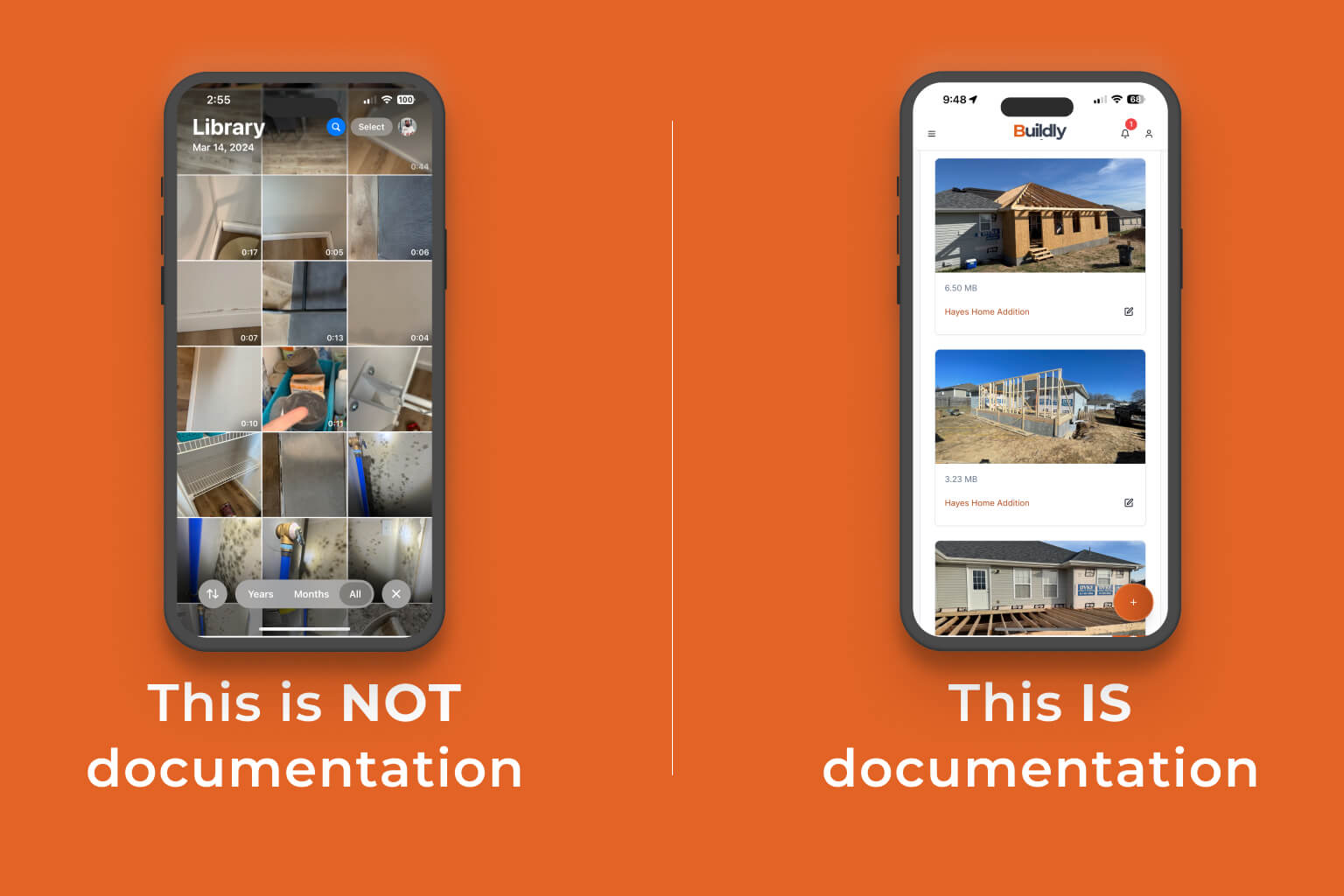
Midway through a deck rebuild, the crew completed framing and moved on to the next site. They figured a few iPhone shots on personal phones were enough to show progress. No organized uploads, no team-wide access, no notes about what was actually done that day.
Two weeks later, the homeowner complained the work was incomplete — claiming certain boards and supports weren’t installed. Without clear daily photos tied to tasks, the contractor struggled to prove what was finished and when.
Poor Site Management Compounded It
Meanwhile, subcontractors came in for staining. They found spots they believed needed more bracing. The GC couldn’t quickly check the status from a distance — which meant another costly trip out, more labor hours, and paying the subs to fix something that might have been fine from the start.
The Expensive Outcome
When the dust settled, the contractor ended up eating nearly $5,000 in added materials and crew hours — all because they didn’t have consistent photo documentation to protect them or help coordinate the job. What seemed like “saving time” by skipping a proper photo tool actually cost them way more.
How Buildly Prevents This
Buildly organizes site photos by project, date, and tasks. Everyone on your crew can upload daily snapshots — so you always have a clear record of what was done. That means fewer disputes, less backtracking, and no second-guessing if a job was actually finished.
Next time a client questions something, or a sub wants to see what’s ready, you’ll have instant proof — with timestamps — right in your pocket.
Ready to safeguard your jobs? Try Buildly and start documenting your projects the smart way.